
WhatsApp is a cross-platform messaging service that uses the same internet data plan you use for email and web browsing, there is no cost to message and stay in touch with your friends. In addition to basic messaging WhatsApp users can create groups, send each other unlimited images, video and audio media messages.
WhatsApp is also available for Android, Windows desktop, and macOS desktop clients.
Features
Is WhatsApp available for Windows?
Yes, WhatsApp has a desktop version for Windows and Mac, so you can use it on your desktop PC or laptop to message with friends and share photos as well. It is also available for iPhone / iOS.
Is WhatsApp free?
Although there was a time WhatsApp had an annual fee of $0.99. That business model was dropped in 2016 and since then WhatsApp has been completely free to download and use.
Can WhatsApp read my messages?
Theoretically, no. WhatsApp uses end-to-end encryption on both private and group conversations, which means messages are encrypted on your phone as they are sent and only the recipient you sent them to has the key to decrypt them. All of this happens in the backend automatically without the need for users to adjust settings or select any special options.
- No hidden costs: Once you and your friends download the application, you can use it to chat as much as you want. Send a million messages a day to your friends for free! WhatsApp uses your Internet connection: 3G/EDGE or Wi-Fi when available.
- Multimedia: Send Video, Images, and Voice notes to your friends and contacts.
- Group Chat: Enjoy group conversations with your contacts. Add or Remove group participants, change group subject and set a group icon.
- Personal: Set a profile photo which will be shown to all your contacts
- No international charges: Just like there is no added cost to send an international email, there is no cost to send WhatsApp messages internationally. Chat with your friends all over the world as long as they have WhatsApp Messenger installed and avoid those pesky international SMS costs.
- Say no to pins and usernames: Why even bother having to remember yet another PIN or username? WhatsApp works with your phone number, just like SMS would, and integrates flawlessly with your existing phone address book.
- No need to log in/out: No more confusion about getting logged off from another computer or device. With push notifications WhatsApp is always on and always connected.
- No need to add buddies: Your Address Book is used to automatically connect you with your contacts. Your contacts who already have WhatsApp Messenger will be automatically displayed under Favorites, similar to a buddy list.
- Offline Messages: Even if you miss your push notifications or turn off your iPhone, WhatsApp will save your messages offline until you retrieve them during the next application use.
- And much more: Share location and places, Exchange contacts, Custom wallpaper, Custom notification sounds, Landscape mode, Message timestamps, Email chat history, Broadcast messages and media to many contacts at once, and much much more.
What’s New
It’s time to reserve your WhatsApp username
When someone new walks into your life – a classmate, a neighbor, someone you meet at an event – sharing a phone number can feel like a big step. That’s because a phone number is personal and it’s tied to so many parts of your life. Sometimes you just want to chat without handing over your digits.
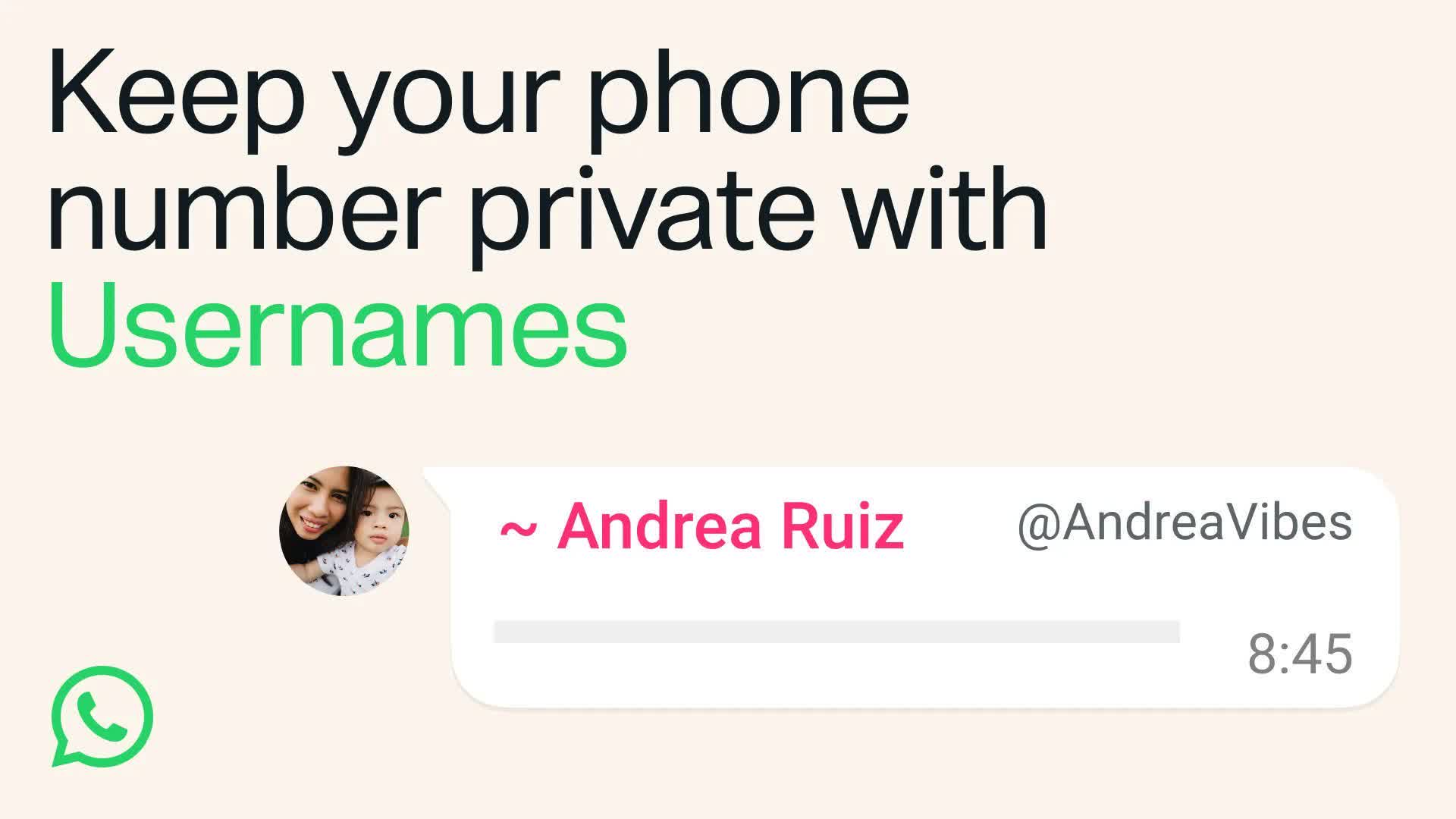
This is also true for group conversations. You want to join the parent chat for the soccer team but you’re not ready to give your phone number to people you’ve never met.
That’s why we’re introducing usernames for WhatsApp. Starting this week, you can reserve a username to use later this year when we launch this feature. With over three billion people on WhatsApp a lot of names overlap, which is why we’re opening reservations early so everyone has the opportunity to select the username that matters to them.
For most people, choosing a WhatsApp username should be something unique that only people you want to contact you will know. If you need help picking one, we have a username generator to make one work just for you.
We also know that some people like creators, small businesses, and organizations may want to maintain a consistent presence online. For them, we reserved an option to claim their existing Instagram or Facebook username on WhatsApp.
Usernames are our latest step to make WhatsApp even more private. There’s no directory to browse and no suggestions – people will need to know your exact username to contact you for the first time. To help control who can reach you on WhatsApp with your username, we’ve built an optional username key that others will need to know to message you.
Once we launch usernames, when you message a person or business for the first time they will no longer see your phone number, if you enabled your username.
Reserving your optional username takes just a few seconds on the latest version of WhatsApp – go to Settings > Account > Username.
We’ll be rolling out usernames gradually over the coming months and will notify you in WhatsApp when they’re available in your country.
We update the app regularly to fix bugs, optimize performance and improve the experience.
- The settings tab is now a profile tab, where you can manage your account, control your identity, and express yourself.
- Channel admins can now more easily invite contacts to follow their channel directly from the channel chat thread.
- Added the ability to easily switch audio and video modes in group calls without interrupting or restarting the call. Just tap the video icon on any call.
- Improved voice note audio quality by balancing speech volume and reducing background noise for clearer conversations.
- Link previews on WhatsApp are now cleaner, with long URLs minimized to avoid disrupting the chat. Press and hold the domain on any link preview to see the full URL.
- Updated grid layouts during group video calls, including speaker mode to highlight the person talking. Tap the ‘layout’ icon to try it.
- You can now add a custom Member Tag to let everyone know your role in the group chat. Open the group > tap the group name > scroll to the members list > tap ‘Add member tag’ to get started.
- Added settings for media auto-download quality. Go to ‘Settings’ > ‘Storage and data’ > ‘Auto-download quality
- Improvements to search including “groups in common” and better matching
This release also includes several bug fixes and reliability improvements:
- Resolved an issue where the emoji suggestions UI would remain visible when not in use.
- Resolved an issue where actions were obscured when forwarding a message.
- Resolved an issue where the emoji “person in manual wheelchair facing right” was not shown when reacting to a message.
- Resolved an issue where emojis were removed from the media editor when composing a message.
- Resolved an issue where the option to remove the group photo was not displayed on the group info editing screen.
- Resolved an issue where arrow keys would not work when typing a reply in the media viewer.
- Resolved an issue where switching between light mode and dark mode would not work on macOS Sequoia.
- Resolved an issue where the “Block” option was not displayed in the context menu on Business chats.
- Resolved an issue where the shortcut “cmd+shift+U” would crash the app when no chat was open.
- Resolved an issue where the app would crash when using the “Open” shortcut.
July 6, 2026